
1. Importing a card
On your PC :
- Download your map/task from the platform
- Insert on the key
- Extract .SHP, .DBF, .SHX Files
- Create a folder called "ApplicationMaps" (be sure to respect capitalization)
- Move the extracted files to this folder, then move the folder to your USB flash drive.
- Unplug your USB flash drive
On your console:
- Insert the USB stick into the appropriate port.

- Click on the house icon
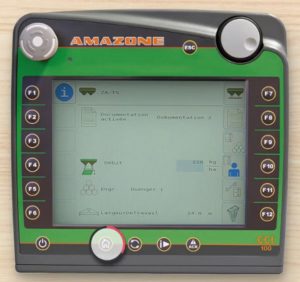
- Click on the control icon
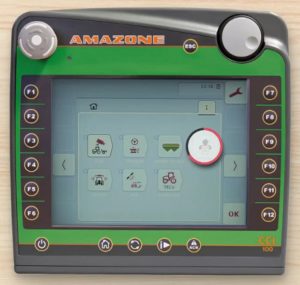
- Click on the Spots icon
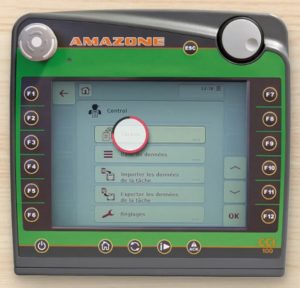
- Click on the Import icon
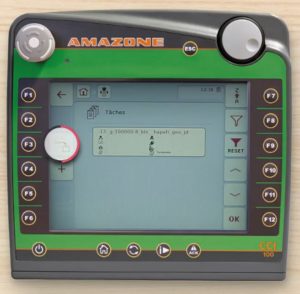
- Click on usb key

- Select prescription files
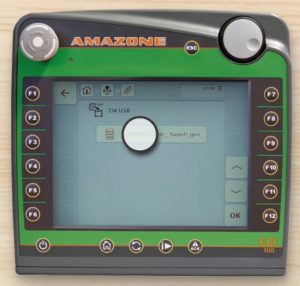
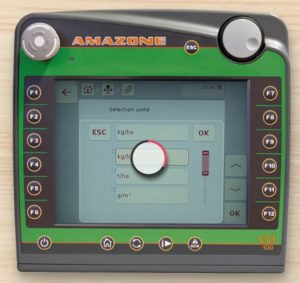
- Select the unit of measurement: click on mass/area app rate

- Select the unit of measurement: click on kg/ha
- Validate by clicking on the previously loaded recommendation file.
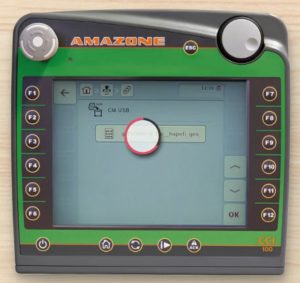
- Wait while importing data

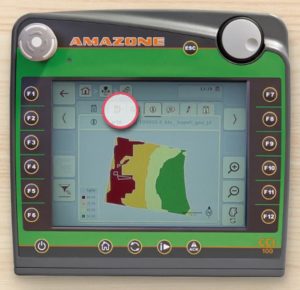
- the map loads and displays
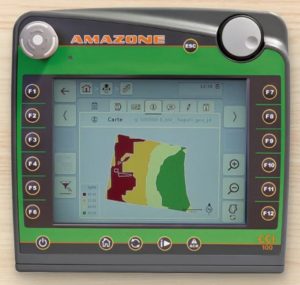
- Return to the initial menu
- Start the task

- Return to the map view menu

Dose modulation is ready


